AI growing up video from your own photos
Add 2 to 6 photos of the same person, from baby to now, and AI fills in the years between them: one smooth video that passes through every photo you added. The preview is free, no sign-up, and your photos are gone within 24 hours.
Add 2 to 6 photos of the same person, youngest first: a baby photo, school years, now. One clear face per photo; crop out anyone else.
First preview free, no sign-up. About 30 seconds. Photos are deleted within 24 hours and never used to train AI.
Example: four photos, one growing up video
This person is AI-generated and fictional — not a customer. The video below was made by this site on 2026-10-18 from the four photos next to it, exactly as a buyer gets it.
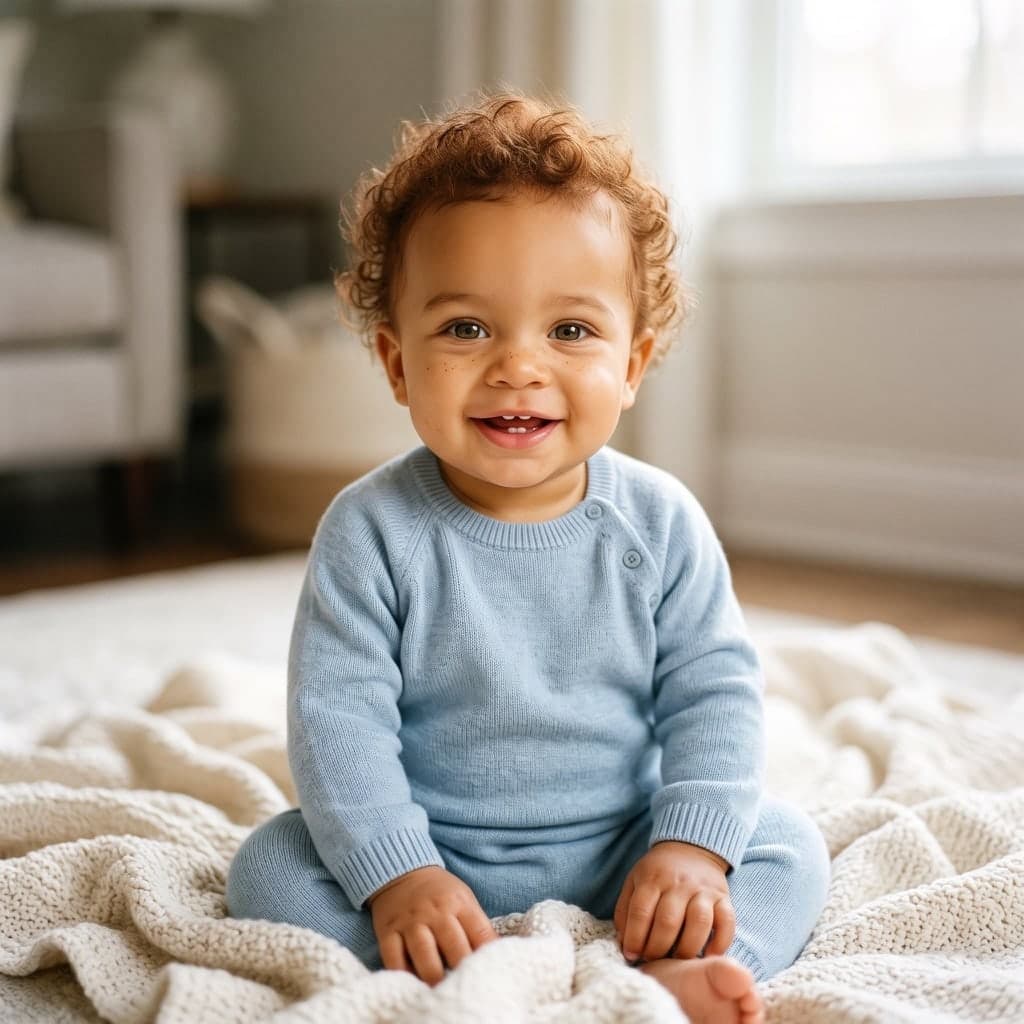
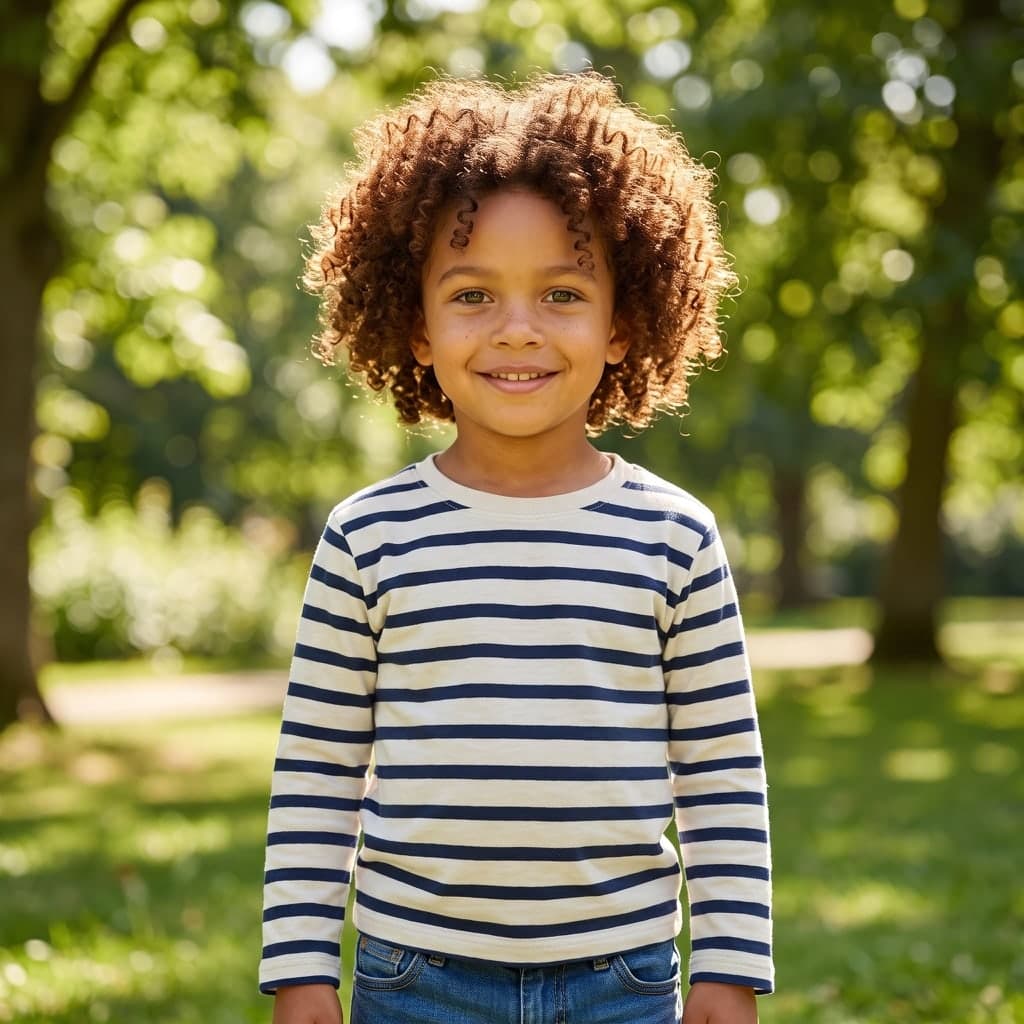
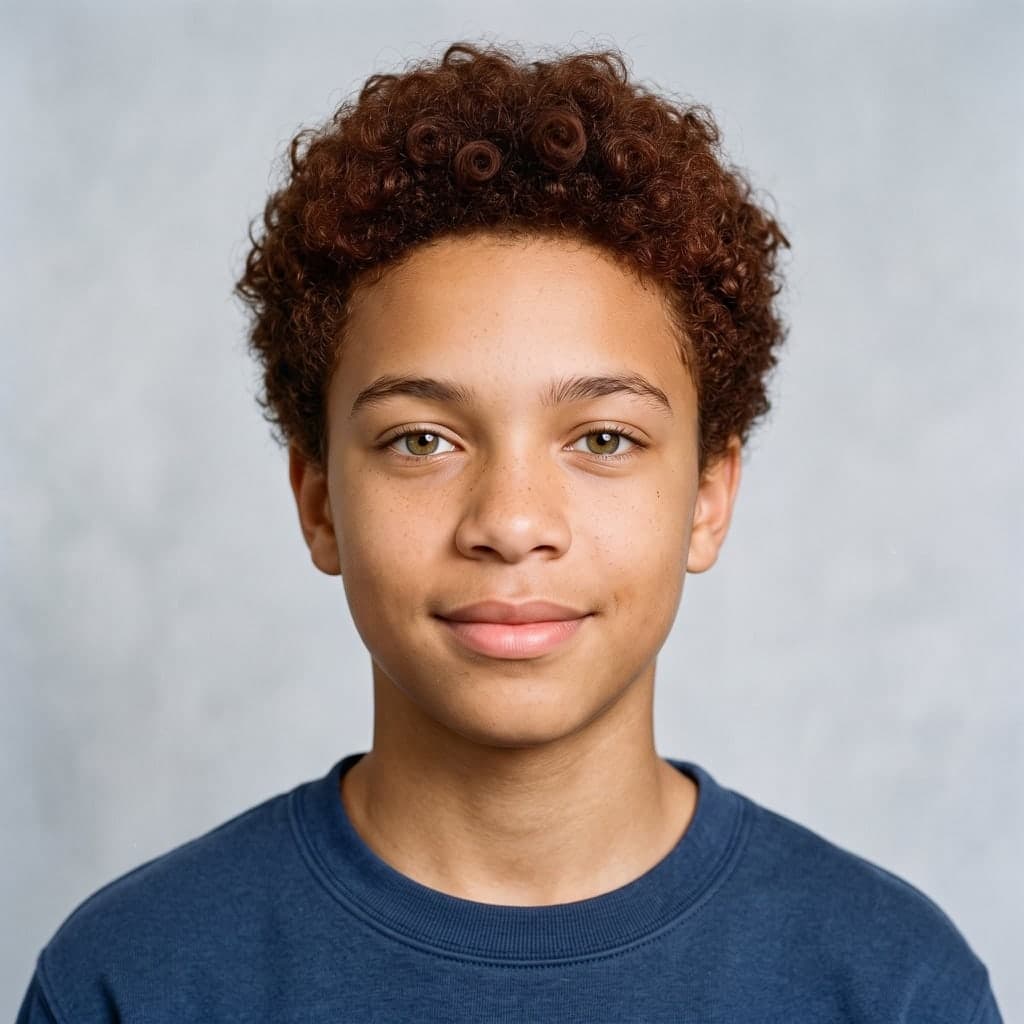

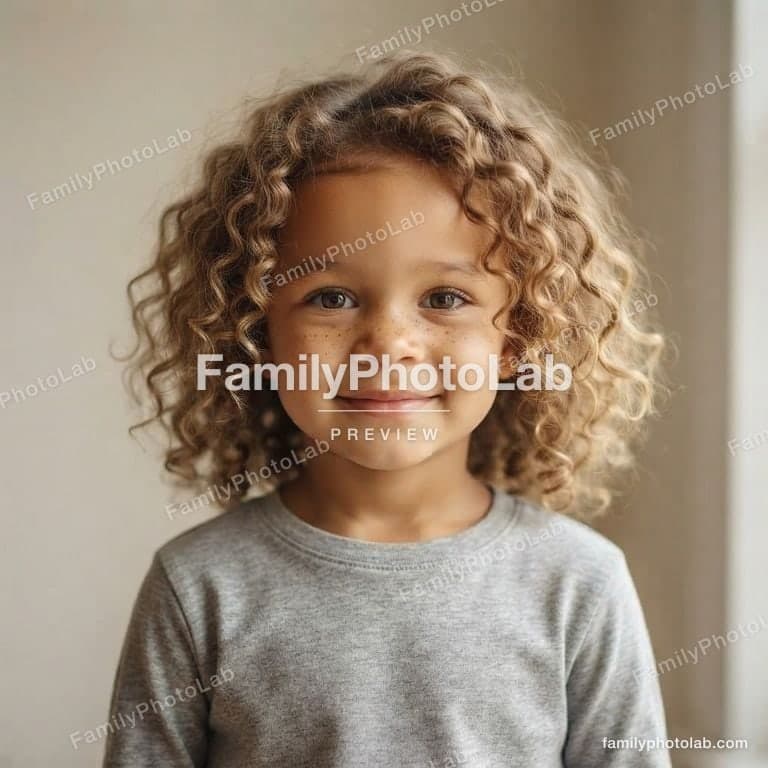
The free preview shows the same face at an age between your first two photos, so you can see it stays recognizably the same person before you pay. The video draws the years between every two photos the same way.
The short answer
To make an AI growing up video, add 2 to 6 photos of the same person here in age order, youngest first. FamilyPhotoLab lines every photo up on the face, draws about 5 seconds of growing up between each two photos and joins them into one square video in about 3 minutes, for $9.90 once. A free preview of the age between your first two photos comes first; photos are deleted within 24 hours.
How the growing up video is made
Three steps in your browser. Nothing to install.
- 1
Add the photos in order
2 to 6 photos of one person, youngest first, one clear face each. No account for the preview.
- 2
See the years in between
A free AI picture of the age between your first two photos, in about 30 seconds.
- 3
Get the video
$9.90 once: one video from your youngest photo to now, about 5 seconds between each two, in about 3 minutes.
- Lined up face to face. Every photo is cropped to the same face size and eye height, so the video looks like one camera, not a zoom.
- Your real photos. The video starts and ends on your photos and passes through each one; AI draws only the years between.
- Ready to post. Square 960 × 960 MP4 without a watermark, for TikTok, Instagram Reels and YouTube Shorts.
- Speed. Preview in about 30 seconds, the video in about 3 minutes.
- No subscription. One payment of $9.90 per video. Nothing renews.
- Private. Photos deleted within 24 hours, never used for training.
Which photos make the best growing up video
- Spread over the years: a baby photo, early school, the teens and now give the clearest change.
- Facing the camera: photos looking roughly at the camera blend the most smoothly.
- One person per photo: crop out brothers, sisters and parents so the face can be found.
- Old prints work: a phone photo of a printed picture is fine, as long as the face is sharp and well lit.
Price
Pay once for the video. No credits, no subscription.
Preview
Free
One watermarked AI picture of the age between your first two photos, no sign-up. 2 more a day when you sign in with Google.
Try it freeGrowing-up video
$9.90
- · One growing-up video from all your photos, up to 6: about 5 seconds between each two
- · Every photo lined up face to face first, so it looks like one camera
- · Square 960 × 960 video, no watermark, ready for TikTok, Reels and Shorts
- · Your photos lined up, as pictures to keep
Just this picture
$4.90
The in-between preview picture, full resolution, no watermark.
Prices in US dollars before any sales tax. See pricing for refunds.
Questions people ask
Answers to what people ask before making a growing up video.
How do I make a growing up video with AI?
FamilyPhotoLab makes one from 2 to 6 photos of the same person: add them at the top of this page in age order, youngest first. Every photo is lined up on the face, then AI draws about 5 seconds of growing up between each two photos and joins them into one video in about 3 minutes.
Is there a free AI growing up video maker?
The preview here is free with no sign-up: an AI picture of the age between your first two photos, ready in about 30 seconds. The video itself costs $9.90 once, without a watermark and without a subscription, because every second of it is drawn by a video model.
How many photos do I need for a growing up video?
At least 2 photos and at most 6. Each pair of neighbouring photos gives about 5 seconds of video, so 6 photos make a 25-second video. Photos spread over the years — a baby photo, early school, teens, now — give the smoothest result.
Can I use photos of my child?
Yes, if you are the child's parent or guardian: you confirm that before uploading. Every photo is checked first, and bath, swimwear and diaper-only photos are refused, as are photos of celebrities. Uploads are deleted within 24 hours and never used to train AI.
Is a growing up video a face swap or an age filter?
No, the video starts and ends on your own photos and passes through each of them in order. AI only draws the years between two photos, keeping the same face; nothing is swapped onto another person, and no face is invented from a single picture.
Why does each photo need one clear face?
Each photo is cropped so the face has the same size and eye height in every photo. That is what makes the video look like one camera watching someone grow, instead of zooming between a full-body photo and a close-up. If other people are in a photo, crop it close around the one person.
Can I post the growing up video on TikTok or Instagram Reels?
Yes, the video is a square 960 × 960 MP4 without a watermark, which TikTok, Instagram Reels and YouTube Shorts all accept. It has no sound, so you can add the music you like in the app when you post it.
How long does it take to make the video?
The free preview takes about 30 seconds. After paying, the video takes about 3 minutes: the steps between your photos are drawn at the same time and then joined. You can leave the page and come back with its link.
What happens to my photos?
Uploaded photos are used only to make your video and deleted within 24 hours. The video and the lined-up photos stay available to you for 30 days, then they are deleted too. Nothing is shared with anyone.
Curious about the years ahead instead? See what you will look like when you are older, or what your future baby could look like.
Your photos and privacy
Uploaded photos are used only for your video and deleted within 24 hours. The video and the lined-up photos stay available to you for 30 days, then they are deleted too. Nothing is used to train AI or shared with anyone.
Photos of children are welcome from their parents and guardians, who confirm it before uploading. Every photo is checked first: bath, swimwear and diaper-only photos are refused, and so are photos of celebrities and other public figures. A frame from every part of the video passes our own safety check before anyone sees it. Read the acceptable use policy and the privacy policy.